
 by Sissi on Jun. 01, 2016 | NO COMMENT
Don’t know how to download music on Mac from iPhone/iPad/iPod? In this page, we will introduce a simple way to make it.

Don't have PrimoMusic? Download it now prior to reading this guide and it will save you quite a lot of time. Click Here to Free Download
Most people like listening to music, which can reduce depression, relax mood and so on. You may be the one who prefers to enjoy good melodies on computer. However, you reinstalled your Mac system and lost your favorite music. Luckily, you synced it to iPhone, iPad or iPod before. So you may want to download music on Mac from iPhone/iPad/iPod.
You may like: How to Transfer Music from iPhone to Mac
The iTunes can help you to download music from Mac to iPhone/iPad/iPod but can’t do it in the opposite way. To lead you out of difficulty, we highly recommend PrimoMusic – a powerful music transfer.
PrimoMusic is an all-inclusive music transfer tool, which supports any type of iPhone, iPad and iPod. It has the great ability to download music on Mac from iPhone/iPad/iPod. Except this feature, it also can help you to transfer music from Mac to iPhone/iPad/iPod without losing any data and add music from iPhone/iPad/iPod to iTunes with less effort.
Designed to fit effortlessly into your iPhone Music management
Download NowBefore we start this guide, it’s better to check that you have downloaded and installed PrimoMusic on your Mac. Then follow the detailed steps below. (We take iPad as an example.)
Step 1. Run PrimoMusic on your Mac > Connect iPad to Mac with a USB cable.
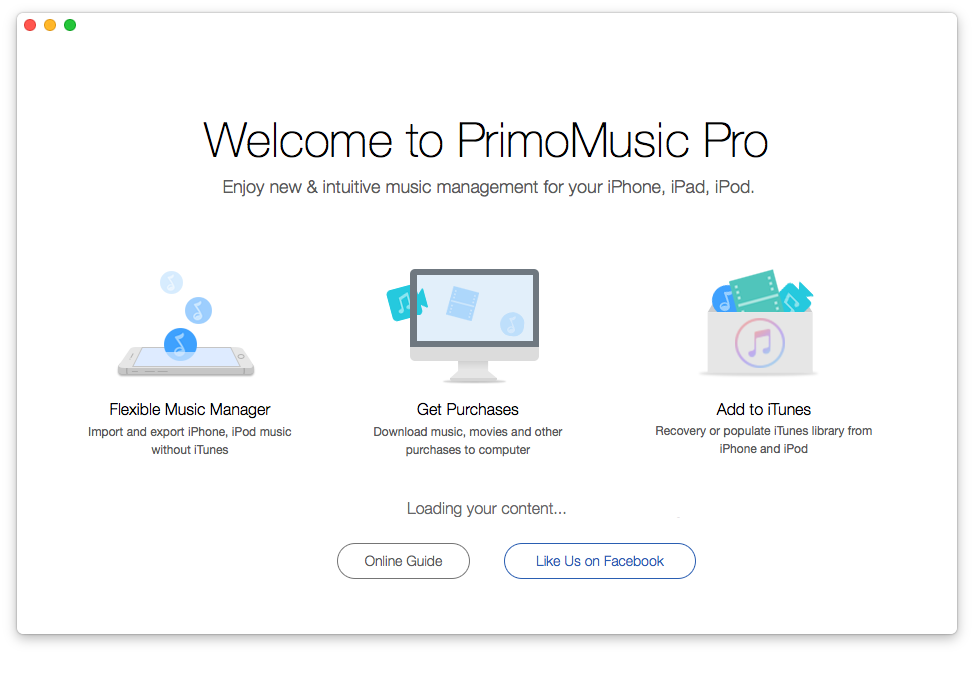
How to Download Music on Mac – Step 1
Step 2. Click Export To Mac > Select music you want to transfer.
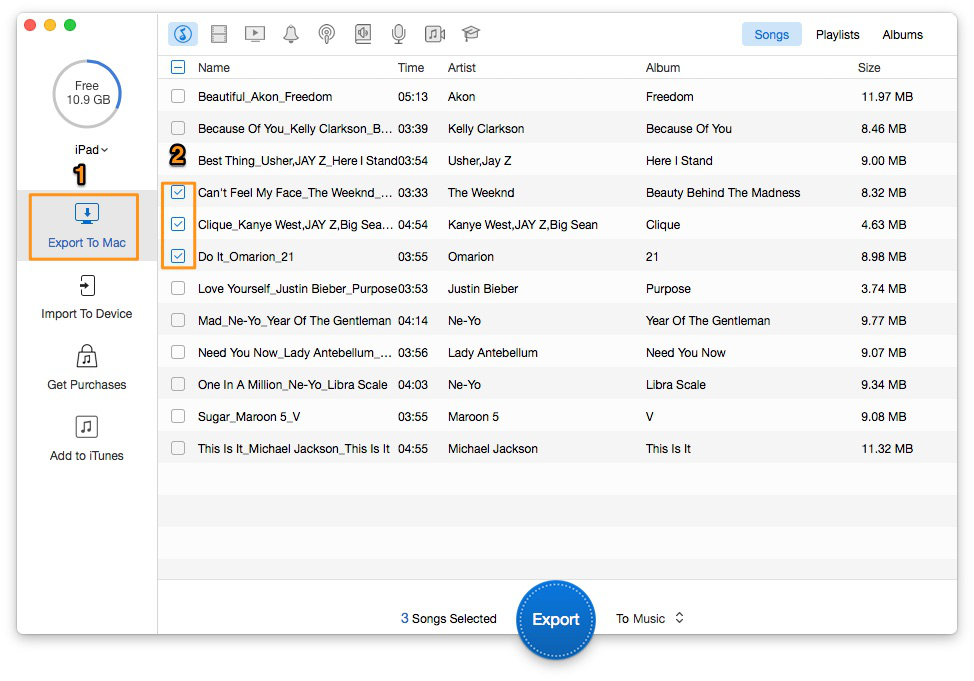
How to Download Music on Mac – Step 2
Step 3. Click Export button to download music on Mac.
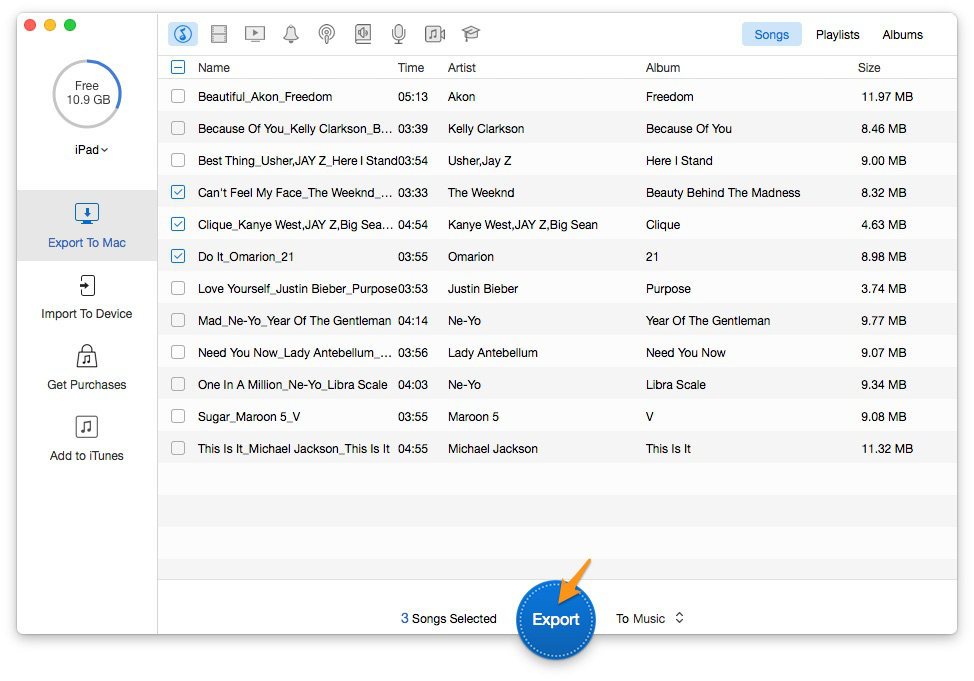
How to Download Music on Mac – Step 3
PrimoMusic makes it easy and quick to download music on Mac from iPhone/iPad/iPod. In this process, you can choose all music or the specific music from Songs, Albums and Playlists. PrimoMusic is the one you need most.
SissiA member of @PrimoSync team, love to go travelling and share some easy-to-follow tips about Apple related issues.
Get Up-to-the-minute iPhone Tips & Enjoy Awesome Deals.



Design Simple and Beautiful Software
with Passion & Love

