
 by Yuri on Jun. 12, 2016 | NO COMMENT
Think iTunes is tedious to put music on iPod (iPod touch) by synchronization? Take a look at how to put music on iPod (iPod touch) to get a simple way.

Don't have PrimoMusic? Download it now prior to reading this guide and it will save you quite a lot of time. Click Here to Free Download
It is fun to enjoy music on your iPod on the go, and you may often add music on your iPod via iTunes, this sounds like a good way. However, have you met this situation that the previous songs on your iPod get lost wholly after syncing with your computer which has synced with other devices before? If you have some experience with iTunes, these media formats limits, one-way music transfer from computer to iPhone (iPod, iPad) etc. shortcomings will propel you to find out a workaround.
Aside from iTunes, a mass of software on the market enables to put music on iPod (iPod touch) only simply download and installation. But it is really hard to get a trouble-free solution without efforts and time consuming. Fortunately, just try PrimoMusic to resolve your trouble only drag-and-drop.
To have a quick experience to put music on your iPod/iPod touch, what you need are your iPod, USB cable, and your computer with music you want to transfer. Another essential tool is PrimoMusic, it features drag-n-drop and one-click method that you can add all favorite songs to your iPod (iPod touch) without interrupting the original music collection. Apart from music transfer for iOS devices and computer, PrimoMusic enables to delete unwanted videos, movies, music and many more in minutes, and allows you to manage iTunes library by rebuilding it.
Designed to fit effortlessly into your iPhone Music management
Download NowTo start, Download PrimoMusic and you can follow the detailed information about how to put music on iPod (iPod touch) to figure it out.
Step 1. Connect your iPod with your computer with a USB cable > Launch PrimoMusic.
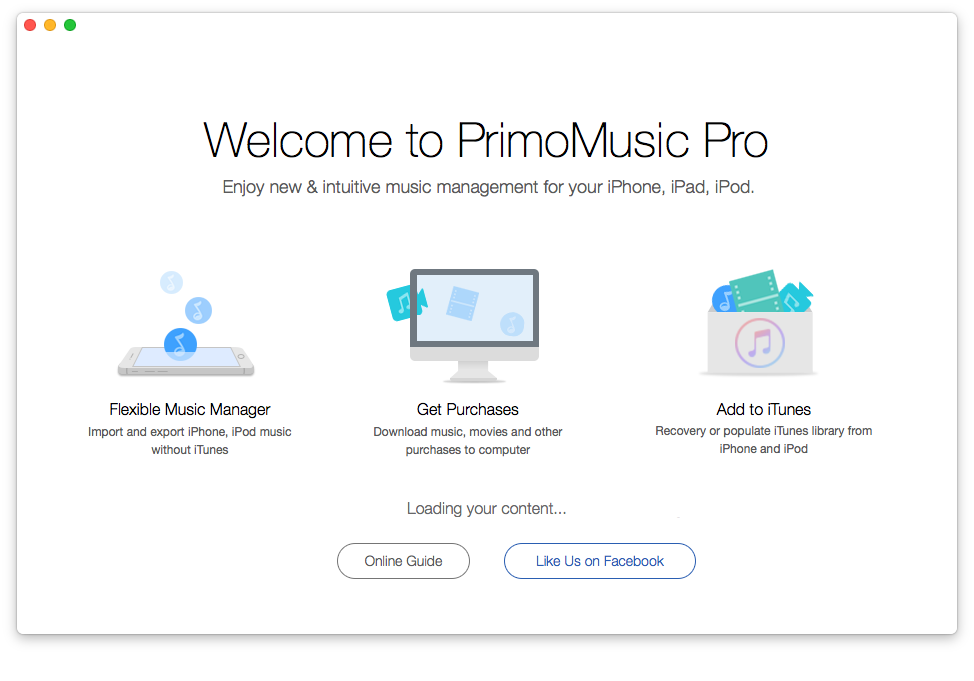
How to Put Music on iPod (iPod touch) – Step 1
Step 2. Click “Import to Device” on the left side of interface > Add music files to interface of PrimoMusic > Choose songs you want to move.
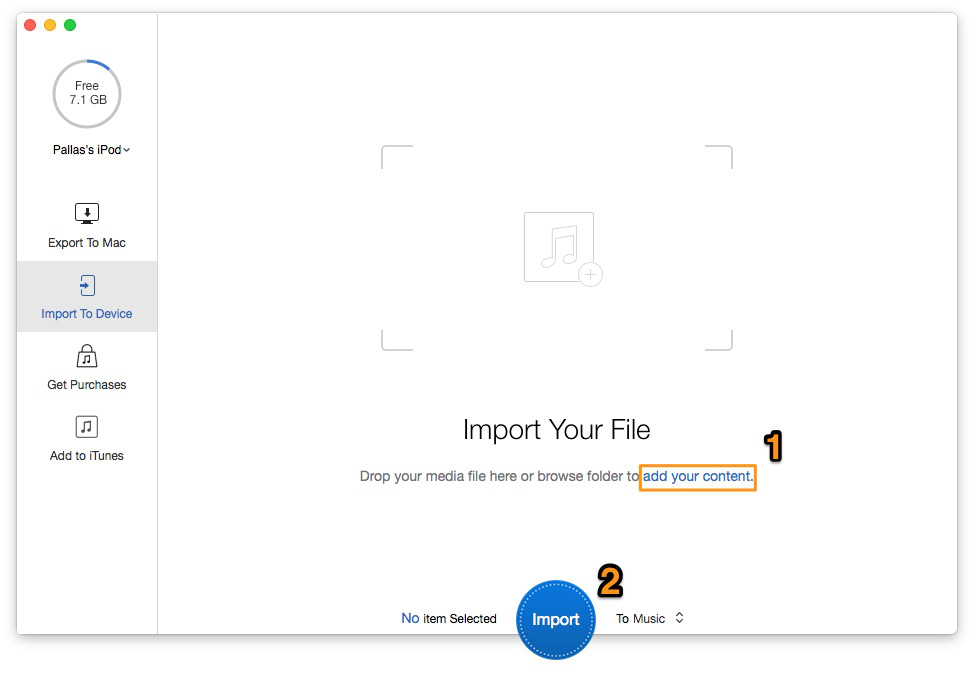
How to Put Music on iPod (iPod touch) – Step 2-1
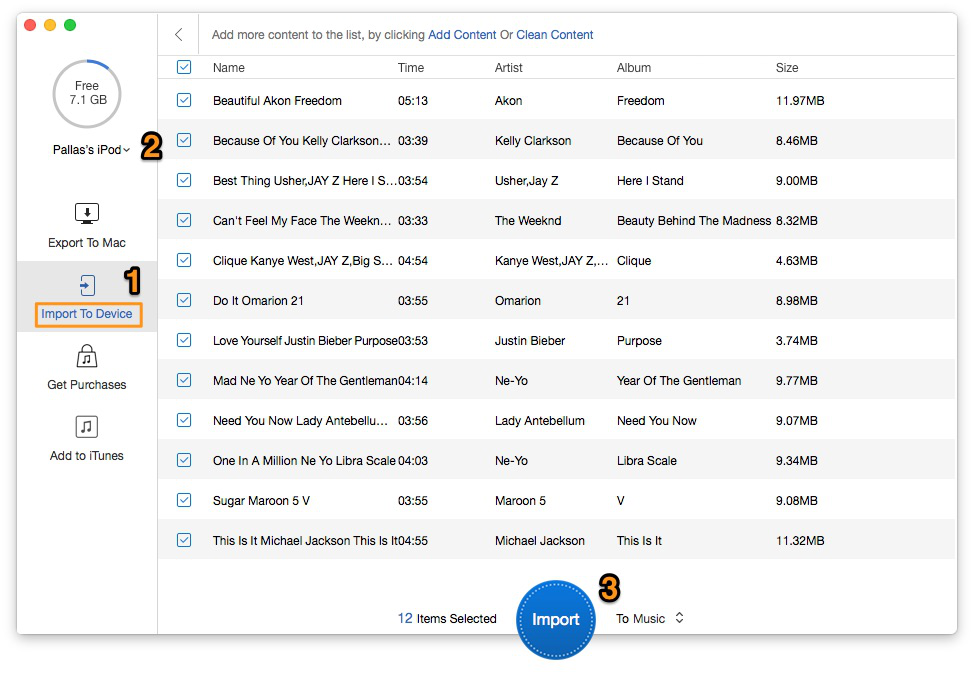
How to Put Music on iPod (iPod touch) – Step 2-2
Step 3. Click “Import” to move/put music to your iPod.
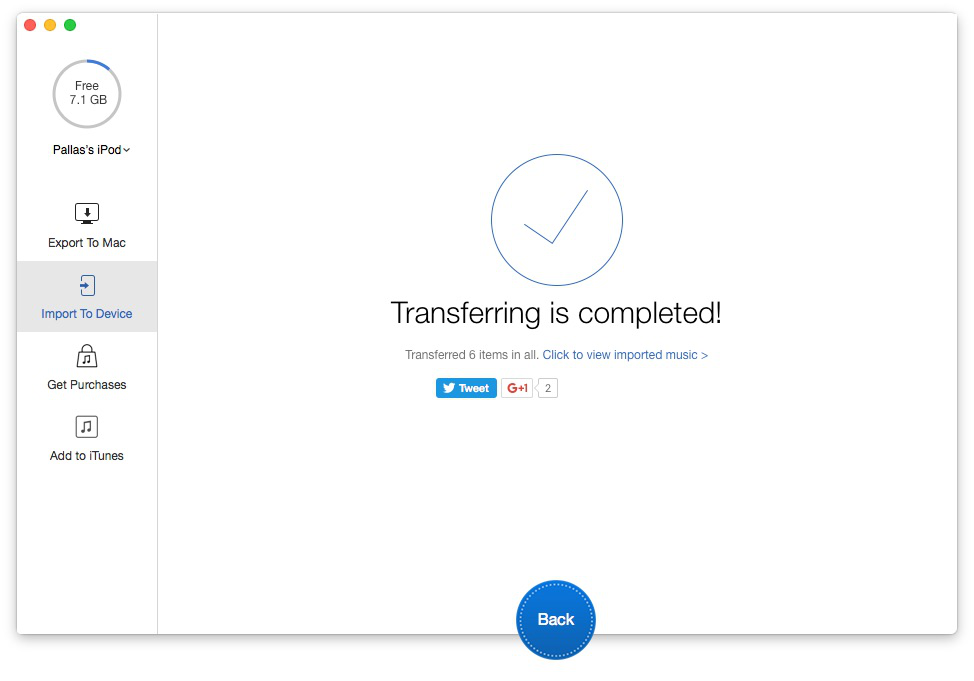
How to Put Music on iPod (iPod touch) – Step 3
If you want put music on iPod (iPod touch) in a quick method and without risk of original songs lost, PrimoMusic is your optimum choice. You can also use it to manage your music on iPod/iPhone/iPad by transferring music, videos, TV shows, podcasts and more to your devices. Download PrimoMusic at once, and you will have a comfortable music transfer experience.
Yuri A young but experienced iPhone Pro Tip editor at @PrimoSync, also a hiking lover for couple years. Enthused by sharing daily tips on all Apple related topics.
Get Up-to-the-minute iPhone Tips & Enjoy Awesome Deals.



Design Simple and Beautiful Software
with Passion & Love

